Status bar
The status bar at the top of the web interface stays visible as you move between pages. The page name is on the left; the active network connection and the device you are editing are on the right.
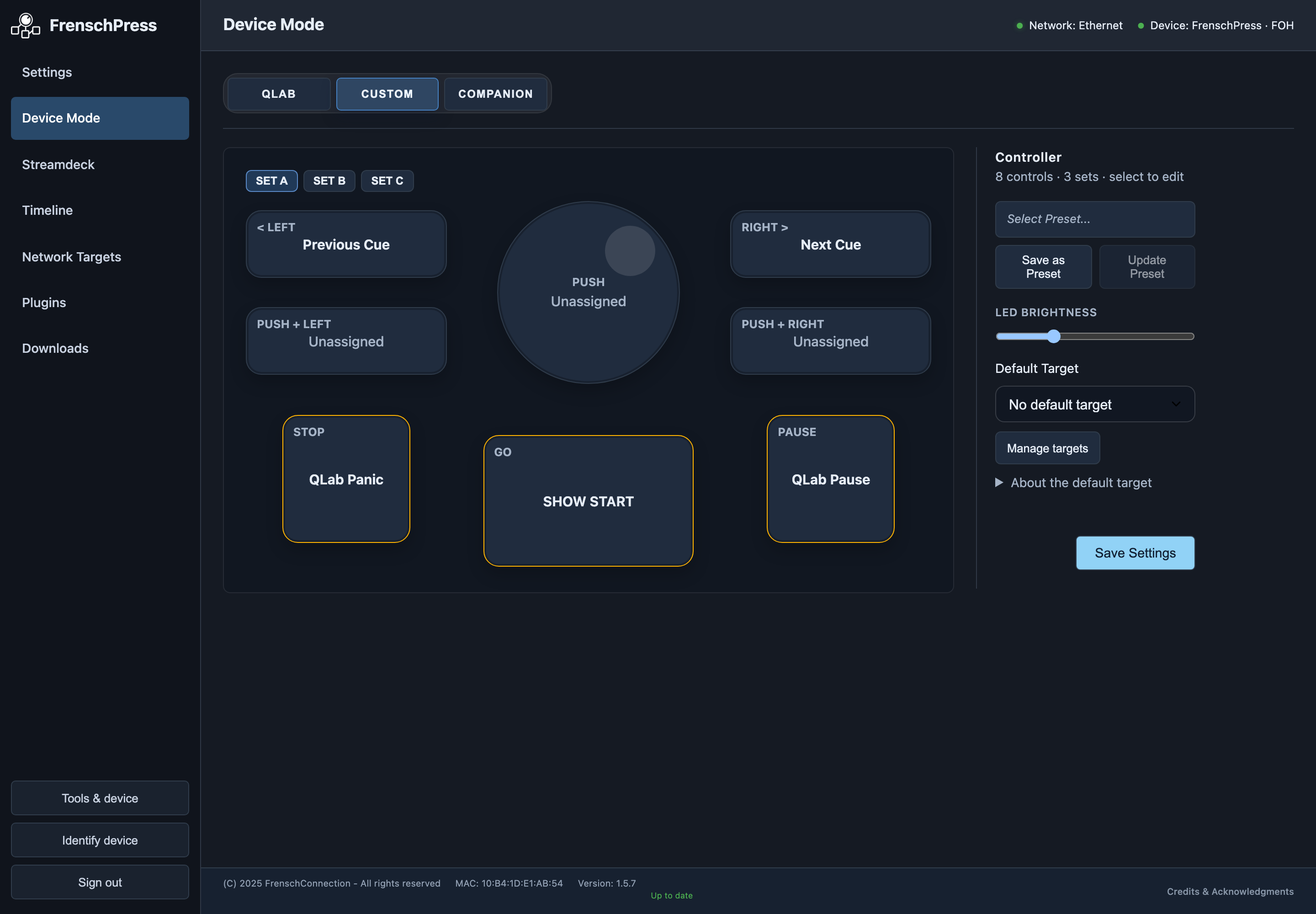
| Display | Meaning |
|---|---|
| Page title | For example, Device Mode, Settings or Network Targets |
| Network | Active connection; the details show the address in use |
| Device | Name of the device currently open |
| Timecode | Appears in the centre of the bar when timecode is active; position, source/direction and pause state |
In the narrow layout, the bar shows less status information to keep the controls readable. Firmware version and MAC address are in the footer.
tip
The live indicators help you keep an eye on things. To confirm that a command was actually executed, check the destination device.
If the connection drops
| Situation | What to do |
|---|---|
| FrenschPress is restarting | The web interface shows a reconnection notice. Wait until the device has finished starting. |
| The IP address has changed | The previous address no longer works. Make sure your computer and FrenschPress can reach each other on the same network, then open the new address. |
See also If the device cannot be reached.