Set up your account
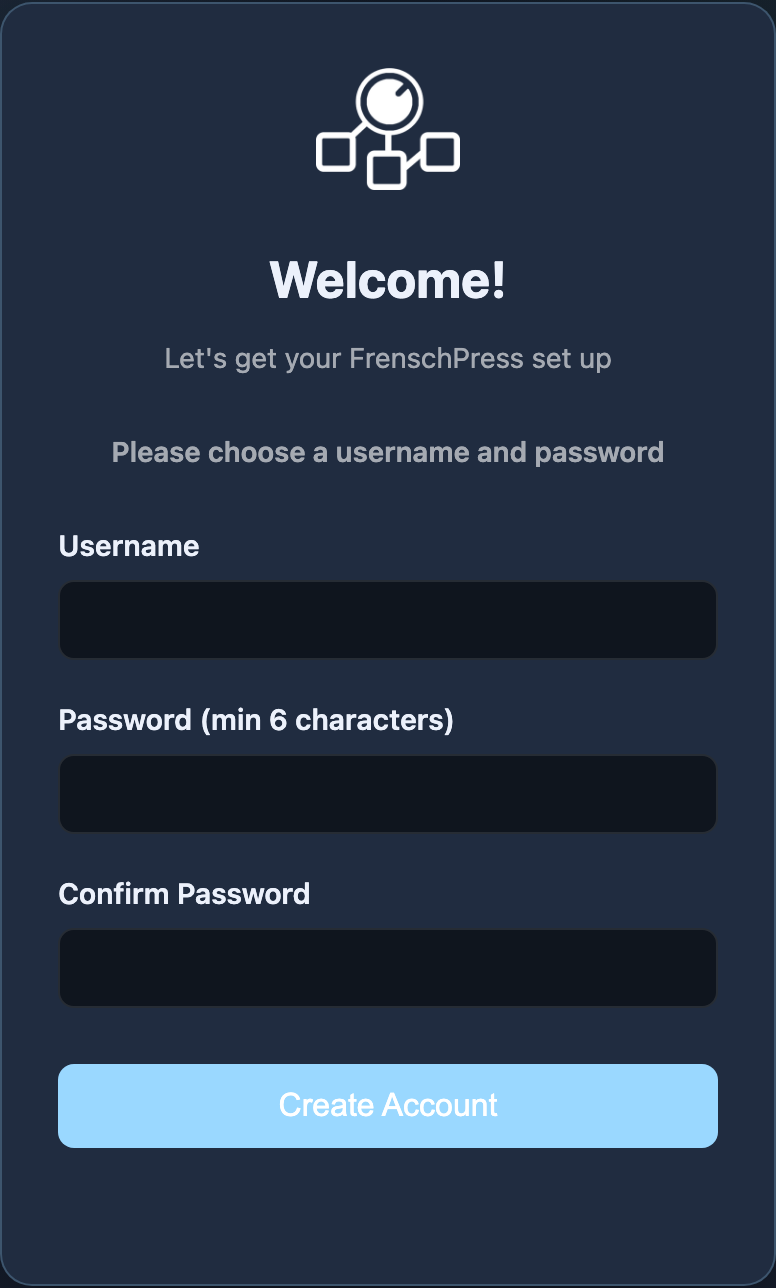
The first time you open the web interface, you create an account on FrenschPress. It protects your device settings and is stored only on the device; it is not an online account.
- Enter a Username and Password. The password needs at least six characters.
- Repeat the password in the confirmation field.
- Create the account with the button in the form.
- Sign in with these credentials.
Signing in and out
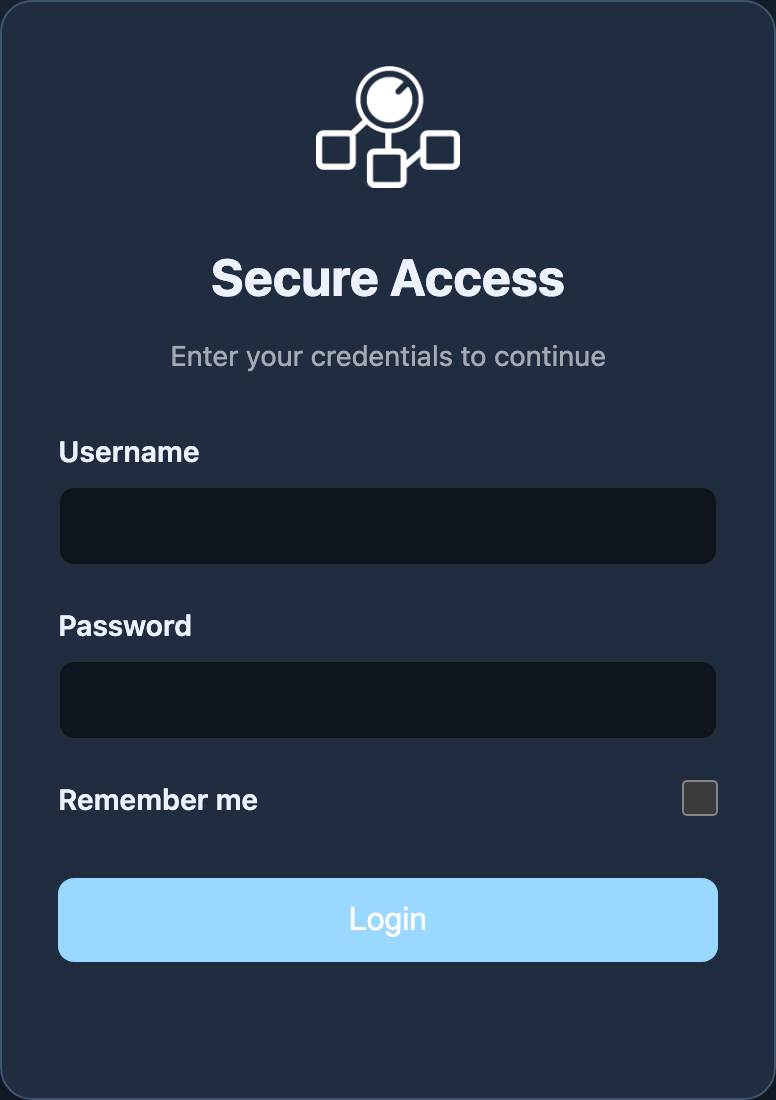
- Remember me keeps you signed in on this browser. Use it on your own computer if you access FrenschPress regularly.
- Sign out at the bottom of the navigation ends your session.
- When a session expires, sign in again.
You can set up FrenschPress from a phone, too. Add its address to your home screen to open it faster. The mobile layout is described in Getting to know the web interface.
Forgotten your credentials
A credentials reset lets you create a new account.
- Disconnect every USB power connection. A second connected USB cable can otherwise keep the device powered.
- Hold STOP + PAUSE while you reconnect FrenschPress.
- Keep holding both buttons for five seconds. The LEDs flash orange meanwhile. They then flash four times quickly and the FrenschPress restarts with the credentials cleared.
- Open the web interface and create a new account.
All combinations are listed under Button combinations.